

Protect assessment integrity.
Keep access practical.
Review with clarity.
The Invigilator supports online assessment monitoring through mobile and PC products, with low-data, offline-capable workflows and AI-assisted review.
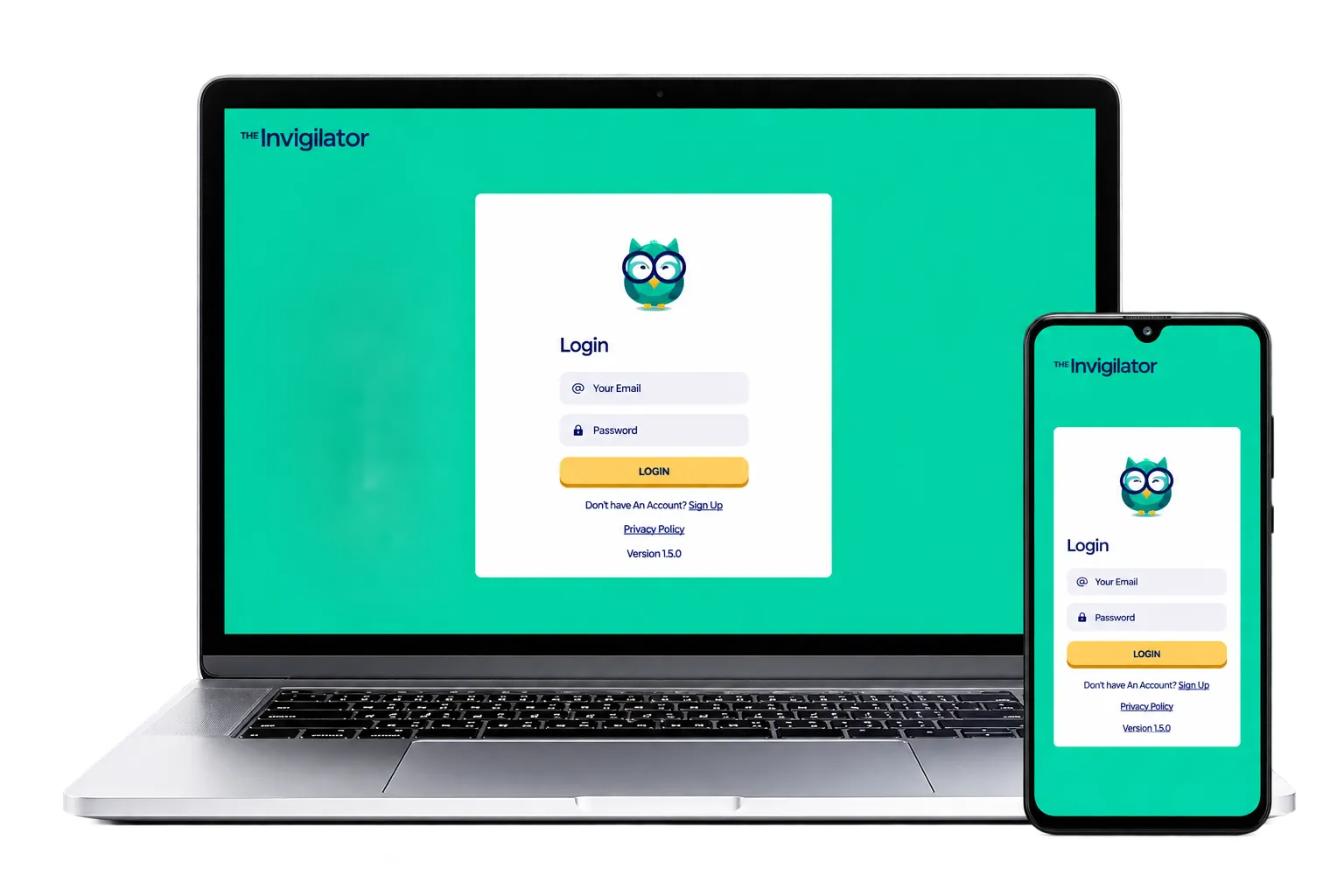
Monitoring designed around real access conditions
The Invigilator addresses common proctoring barriers while helping institutions mitigate risks associated with online and non-venue-based assessments.

AI authenticates and flags suspicious data, with summarised information presented to facilitators.
Explore the assessment integrity toolkit
Choose a capability to see how The Invigilator supports monitoring and review.
Proctoring reinvented for mobile and PC
Monitor online assessments through The Invigilator’s mobile app or PC product, including non-venue-based settings.
Analyse scripts for AI-generated content
The Invigilator analyses student scripts to determine levels of AI-generated content use and support facilitator review.

Check handwritten and typed scripts
Handwritten or typed assessment scripts can be analysed by The Invigilator to detect plagiarism.
Assessment monitoring without ideal conditions
The product is designed to reduce common device, connectivity, cost, integration, and support barriers.
 01
01Low data solution
Uses very little data for learners with constrained connectivity.
 02
02Works offline
Does not require a constant internet connection during assessments.
 03
03Entry-level devices
Suitable for entry-level smartphones and PC devices.
 04
04Low cost per student
Positioned as a cost-efficient alternative to full proctoring.
 05
05LMS integration
Connect assessment monitoring with an institution’s learning ecosystem.
 06
06Continuous support
Support is available for institutional staff and students.
Configure monitoring around assessment needs
The Invigilator lists monitoring, detection, and integration capabilities that institutions can discuss during implementation.
Facial recognition
Identity-related monitoring.
Video monitoring
Visual assessment evidence.
GPS detection
Location-related information.
Extra photos
Additional visual records.
AI detection
AI-content script analysis.
Audio recordings
Audio assessment evidence.
Customisable
Configure the assessment setup.
Plagiarism detection
Analyse handwritten or typed scripts.
LMS integration
Connect with learning workflows.
Screen monitoring
Monitor activity on screen.
A practical experience across the assessment community
The product combines controlled workflows with access and review considerations for the people involved.