
Build practical digital skills. Keep learning simple.

SIMnet is a training and assessment platform that develops skills in Microsoft Excel, Word, Access, PowerPoint, and Outlook—along with generative AI, computer concepts, file management, and operating systems.
Training, practice, assessment, credentials, and course flexibility in one intuitive platform
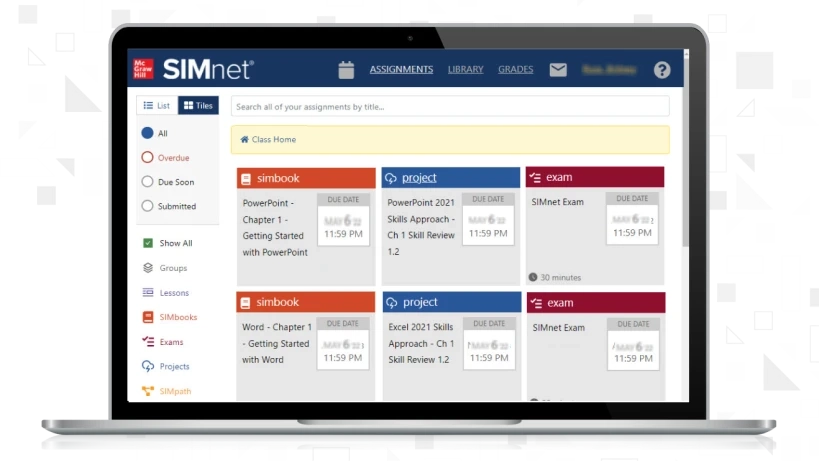
SIMnet course dashboard displayed on a laptop

Put digital learning, practice, and proof in one place

SIMnet supports technology learning across Microsoft Office applications and broader computing concepts while helping students demonstrate proficiency.

Learn | Practice | Validate

Course tools designed to keep teaching and technology learning straightforward.

3M+Students served
41,000Instructors served
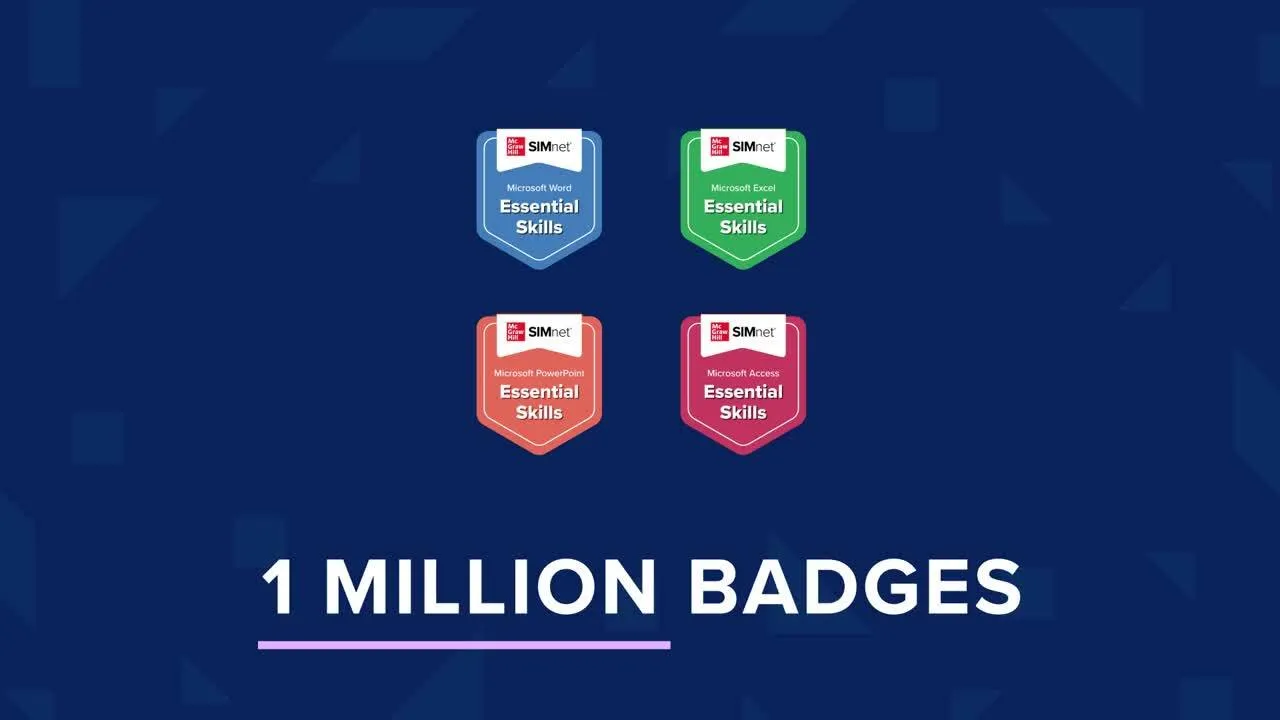
Nearly 2MDigital credentials issued

Explore SIMnet from every skills perspective

Choose a view to see how SIMnet connects course content, digital credentials, and certification preparation.

Develop practical technology skills

SIMnet provides course content for Microsoft Office applications, computer concepts, file management, operating systems, and generative AI skills.

Office applicationsComputer conceptsGenerative AI
SIMnet course dashboard displayed on a laptop

From skill building to career-ready proof

A connected workflow keeps learning, practice, assessment, and visible achievement together.

01

Learn the application

Build skills across Microsoft Office applications and broader computer concepts.

02

Practice and assess

Use guided activities and assessment to strengthen practical technology proficiency.

03

Validate achievement

Earn shareable credentials and prepare for Microsoft Office Specialist certification.

Keep technology learning versatile and intuitive

Select a capability to see how SIMnet supports access, course flexibility, and inclusive learning.

SIMnet is accessible through multiple browsers and works with PCs, Macs, and Chromebooks while providing device-specific guidance.

Evergreen continuous-update emblem

Current content supports the course. Instructors keep control.

SIMnet’s Evergreen model delivers content currency, new tools, and updated accessibility standards directly to existing courses.

Keep pace

Receive updates aligned with changes in Microsoft 365.

Use current content

Access the newest tools, activities, and learning materials.

Refresh assessment

Use new and updated assessments to keep courses relevant.

Maintain continuity

Receive updates through the existing course experience.

Connect SIMnet with expert implementation support

SIMnet combines LMS integration with guidance for course building, training, customization, and day-to-day use.

  • Integration with learning management systems
  • 1-on-1 help with course building and curriculum
  • Virtual and in-person training opportunities
  • Dedicated representatives, videos, and resources

Planning your SIMnet demonstration

Which learning areas can instructors cover with SIMnet?

It brings together practice and assessment for Microsoft Office programs, foundational computing, file handling, operating-system topics, and generative-AI skills.

Which Microsoft Office tools can students practise in SIMnet?

Students can build skills in Excel, Word, Access, PowerPoint, and Outlook, alongside wider computing and technology concepts.

How can SIMnet help learners make their skills visible?

SIMnet credentials can be added to LinkedIn, a CV or resume, and other career materials as evidence of demonstrated proficiency.

What support is available for Microsoft Office Specialist goals?

Complimentary Microsoft Office Specialist preparation materials are available to support students working toward this industry-recognized certification.

What technology can students use to access SIMnet?

SIMnet can be used through multiple browsers on Windows PCs, Macs, and Chromebooks, with guidance tailored to each device.

How does SIMnet fit into a course’s digital environment?

LMS integration helps keep SIMnet connected with the digital systems instructors use to organize and deliver their courses.

What features assist a broader range of learners?

SIMbook offers text-to-speech and translations in more than 30 languages to support accessibility and English language learners.

Explore SIMnet for your institution

Talk with C&E Adaptive Learning Solutions about a guided SIMnet demonstration for your courses, faculty, and students.

DiscoverEvaluateIntegrate
Request a SIMnet demo